Saturday, October 7, 2017

Antiviral software false positively detects SimShaker executable files. What to do?

Hi guys,
I've got a lot of complaints caused by Windows Defender and some other antiviral software false positively detecting SimShaker executable files as containing a trojan.

First of all, there is no viruses in my software. Some of my files a protected from hacking and that causes some aggressive antiviral software to false positively detect them as a malware. You can extra check my files with www.virustotal.com service (or any other similar service) if you are in a doubt. You can also read more about this problem in this lifehacker.com article.

What to do if  antiviral software blocks SimShaker installation?

Try to temporarily disable antiviral software and install SimShaker. After installation enable antiviral software back again.

What to do if SimShaker crashes when a game starts or shows a helper message that a file is not found by Launcher?

Please go to antiviral software scan history and look for quarantined simshaker exe file(s). If the file is found, select it and restore to its original location. It may not be displayed in Windows Defender list when you just open it. In such a case I go to Defender history, back to the list and (oh, miracle!) file is in the list and now I can restore it.

In general, antiviral software remembers the restored file as safe and does not remove the file again. But it can try to do that again after SimShaker update. Be aware.
I add those helper messages into the latest versions of SimShaker, but some versions still may just crash if the file was "stolen" or blocked by antiviral software.

Windows Defender case. Step 1

Windows Defender case. Step 2
If you'd like to report Microsoft that they accidentally block a good piece of software, you can follow by this link. You will be asked for detected virus name and Windows Defender data base version.
I did that number of times, but currently I can not do that, since I replaced Windows Defender by another (more smart and handy on my opinion) protective software.

Friday, October 6, 2017

SimShaker - Wheels version 2.25 released

Hi guys,
new this time:
  • launcher doesn't crash if SimShaker - Wheels.exe file was quarantined by antiviral software, but shows a helper message;
  • Assetto Corsa: Bumps&Buffets FX doesn't react on wheel steering if speed is less than 0.5 m/s.
Happy racing!

Friday, September 22, 2017

SimShaker - Wheels version 2.24 released

Hi guys,
new this time:
  • new GUI (graphic user interface);
  • new controls — checkboxes to enable/disable every single FX, test buttons for JetSeat and bass-shakers;
  • new option —  Advanced Options - VR Helpers  - Highlight Controls;
  • new SimShaker - Wheels Facebook page;
  • re-factored Bumps&Buffets FX for Assetto Corsa;
  • support for release version of Project CARS2.

Happy driving!

SimShaker - Wheels version 2.24 GUI

Friday, August 25, 2017

SimShaker - Wheels beta version 2.15 published

Hi guys,
this time support for F1 2017 added. Please read SimShaker - Wheels User Guide in order to enable transmission of telemetry data from the game via UDP. This time I've decided to keep default Codemasters port 20777, since the game it seems allows to enable just one UDP transmitter to one port number. Hopefully this will provide compatibility with other telemetry data consumers.
Happy racing!

Wednesday, August 23, 2017

SimShaker - Wings beta version 1.4 published

Hi guys,
I'd like to introduce you my new project SimShaker-Wings and its beta version 1.4, featuring FXs for Falcon BMS and War Thunder Aviation games.


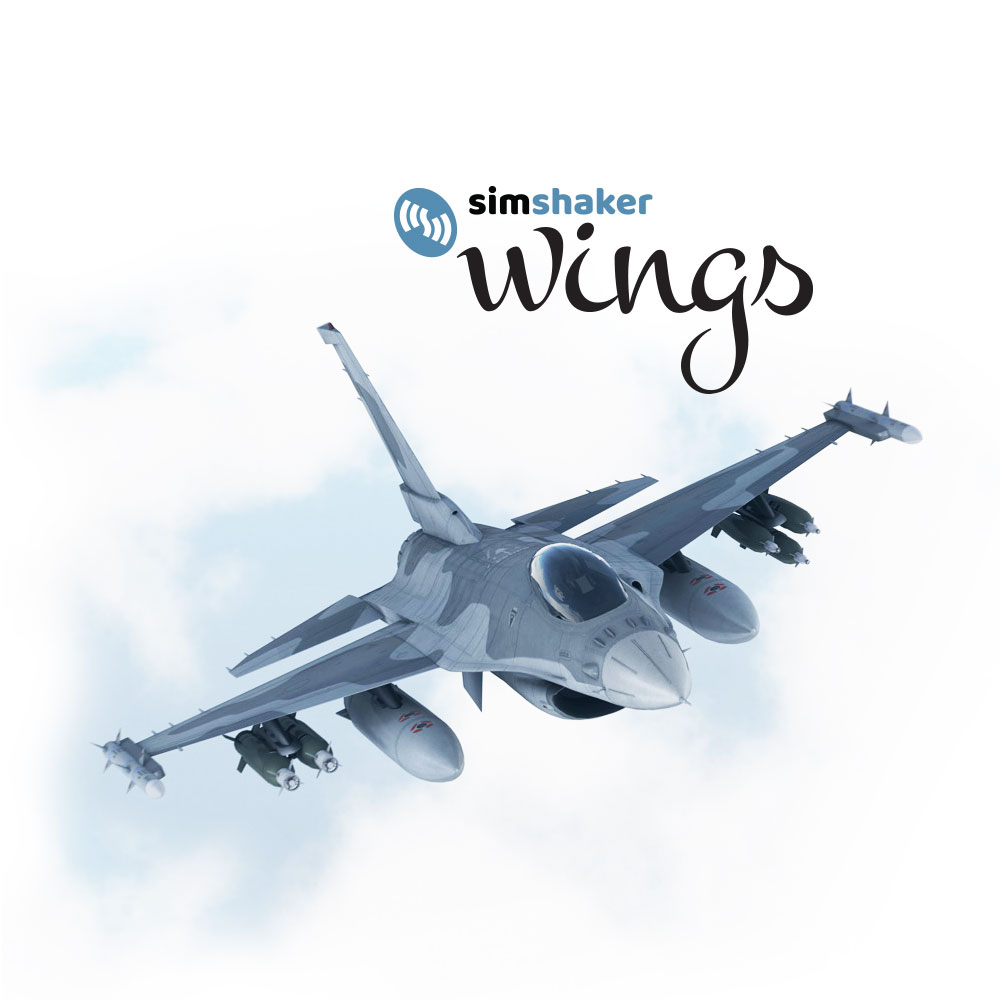
The very first supported title in recently released version of SimShaker - Wings is Falcon BMS. That's why F-16 fighter is on the cover. As usually, you can find release version at our Downloads page, and you can buy a license in Andre's e-shop.

Beta version of SimShaker - Wings features War Thunder Aviation support. Not all FXs are available or precise in case of War Thunder due to limited available data amount available to extract from the game, but that's much-much better than nothing. As you may know a 32-bit War Thunder Aviation client features few native hard-coded  JetSeat effects, but a 64-bit War Thunder Aviation client  has nothing to play on Gametrix JetSeat.
I've found that native game FXs may interfere with SimShaker - Wings JetSeat effects and spoil each other in some cases, just not be surprised. The problems is not actual in case of 64-bit game client and/or bass-shakers FXs. If you have a 64-bit operation system you can switch between 32 and 64-bit modes in War Thunder launcher options.
You can find download link for beta version in the User Guide. That's a good reason to have a look on the manual before you start ;)

SimShaker - Wings software supports up to 6 bass-shakers along with the Gametrix JetSeat.
Bass-shakers support is an option to buy, which allows me to keep base SimShaker - Wings software price lower.

Well, you may ask, what's next in SimShaker - Wings? I have some sketches for Aerofly FS 2 and IL-2 Sturmovik CloD. That's in my short list.
Hopefully one day we (i.e. 3rd party devs) will be allowed to get data from IL-2 Sturmovik BoK(S,M).... We'll see.

Any questions left? Feel free to contact me via any appropriate way!
I think we can start discuss War Thunder FXs related questions in this thread.

Happy flying!